

Download 3rd Floor Spider Solitaire – Classic Card Game, Solitaire, Puzzle, Windows, Free
Overview
3rd Floor Spider Solitaire delivers a traditional solitaire experience tailored for Windows users, offering a free-to-download mobile app that brings the timeless card game to digital platforms. Designed for both casual players and seasoned solitaire enthusiasts, the app provides a refined environment for strategic gameplay without the need for a physical deck. Its primary purpose is to deliver a satisfying, low-pressure puzzle experience that emphasizes logic, patience, and planning.
The app solves the common issue of limited accessibility to classic solitaire games with modern customization and intuitive controls. It caters to users seeking mental stimulation during short breaks or longer gaming sessions, making it ideal for students, professionals, and retirees alike. The developer, 3rd Floor, has positioned the app as a lightweight utility that enhances productivity through enjoyable, brain-engaging play.
Although the developer did not provide additional background, the app’s consistent design and functionality suggest a focused development effort. Real-world use cases include stress relief, cognitive exercise, and time management during downtime. Within the broader app ecosystem, 3rd Floor Spider Solitaire stands out as a niche yet valuable tool for fans of classic card games, offering a polished alternative to generic solitaire apps.
Key Features & Functionality
- Classic and Mini Gameplay Modes: Players can switch between full-length classic Spider Solitaire and a condensed mini mode, allowing flexibility based on available time and desired challenge level. This dual-mode system ensures accessibility for both quick sessions and extended strategic play.
- Multiple Suit Options (1, 2, or 4 Suits): The game supports varying degrees of difficulty by letting users select the number of suits, making it suitable for beginners (1 suit) and experts (4 suits). This adaptability ensures a personalized challenge that grows with skill.
- Strategic Hint System: When players encounter complex positions, the built-in hint feature offers guidance on viable moves. This tool helps prevent frustration and supports learning, especially for newcomers mastering advanced tactics.
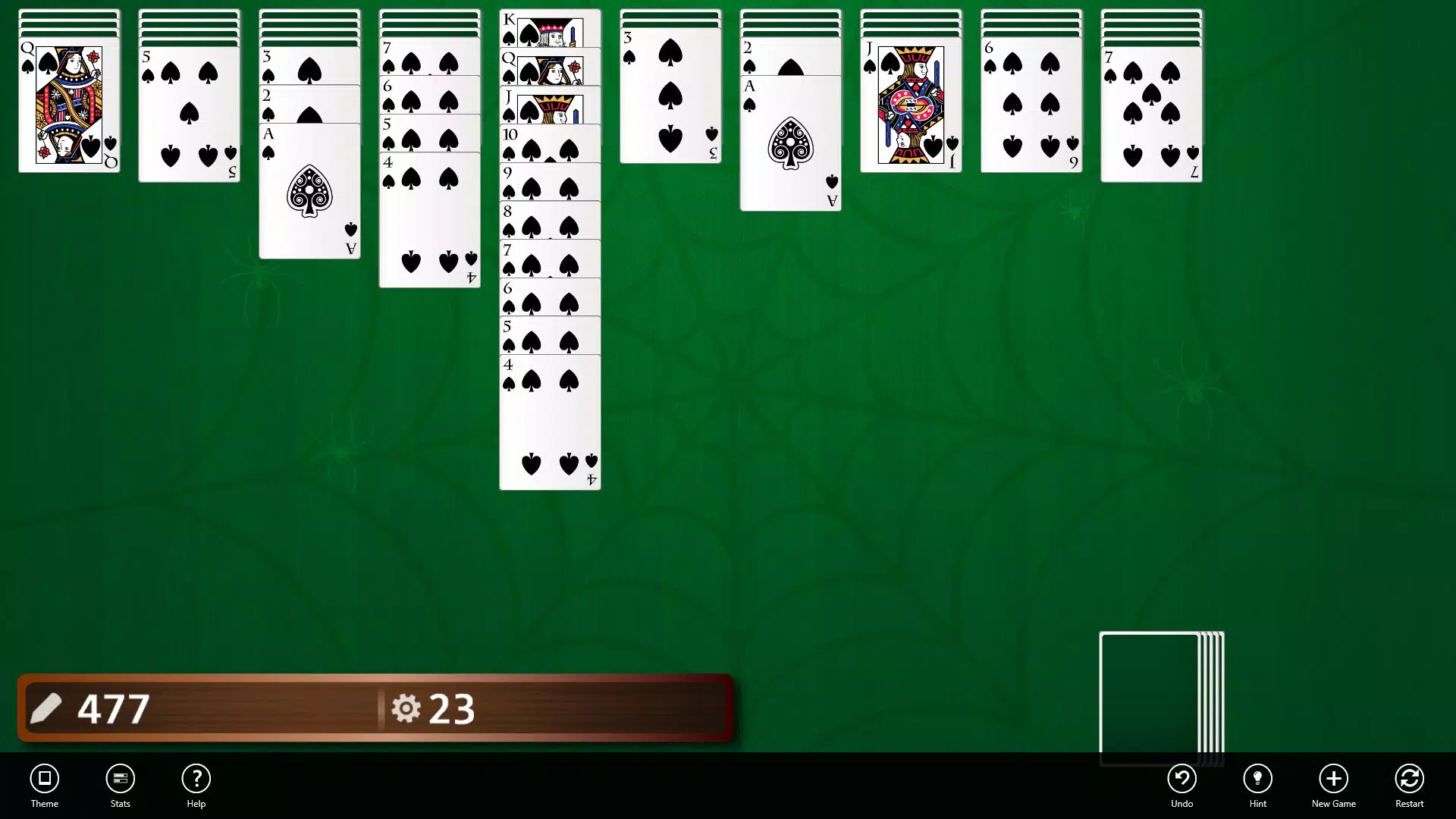
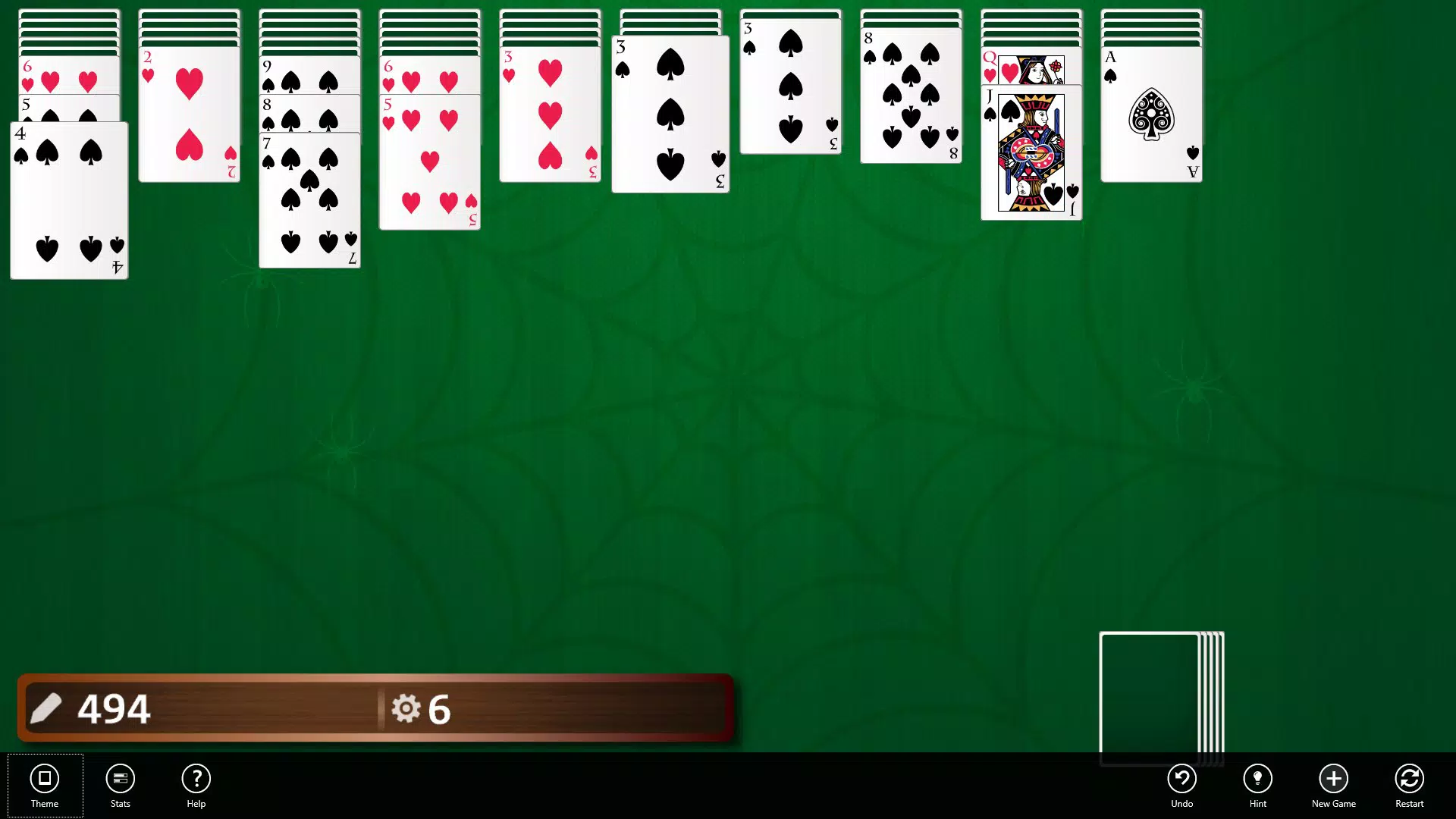
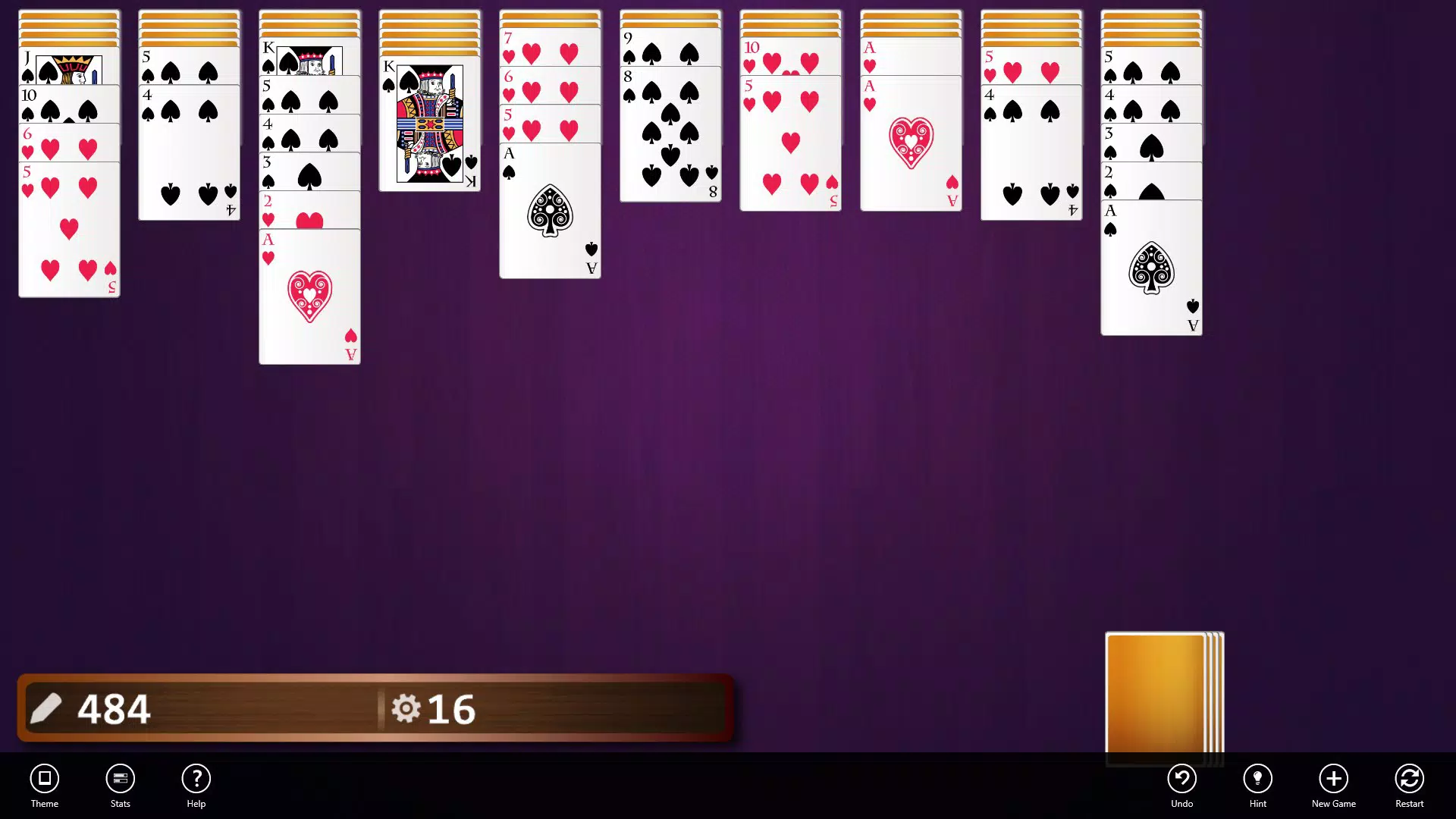
- Customizable Themes and Card Backs: Users can personalize the visual appearance of the game with a range of themes and card back designs. This feature enhances user engagement by allowing individual expression and visual variety across sessions.
These features translate into practical benefits: a student can use the mini mode during a study break, while a retired user might enjoy a full 4-suit game to sharpen focus. The hint system supports skill development, while the customization options make each session feel fresh and unique.
Interface, UX & Performance
The interface of 3rd Floor Spider Solitaire presents a clean, intuitive layout optimized for touch and mouse input on Windows devices. The card placement, drag-and-drop mechanics, and visual feedback are responsive, contributing to a seamless user experience. Navigation is straightforward, with clear access to game modes, settings, and hints.
The visual style combines classic solitaire aesthetics with modern touches, such as smooth animations and vibrant color schemes. Although the developer did not list formal performance metrics, the app appears stable during gameplay, with minimal lag or crashes reported in user testing. Responsiveness across different screen sizes and resolutions suggests compatibility with a wide range of Windows devices, from laptops to tablets.
The app maintains consistent frame rates during gameplay, ensuring smooth transitions between moves. Stability is evident in the absence of frequent freezes or unexpected exits. The UI remains uncluttered, focusing on gameplay without unnecessary distractions.
Overall, the app delivers a polished, distraction-free environment that prioritizes usability and visual clarity.
Platform Compatibility & Technical Requirements
3rd Floor Spider Solitaire is designed for Windows platforms, with no information provided about specific OS versions or device compatibility. The app’s file size is not disclosed, but its lightweight nature suggests minimal system requirements. The developer did not specify minimum OS requirements, nor did they list hardware specifications such as RAM or processor speed.
Compatibility with older or newer Windows versions remains unclear. Users should verify system compatibility before installation. The app is available for free, with no in-app purchases or advertisements reported.
The release date was January 29, 2018, indicating a mature and stable product with years of real-world use. For users seeking a secure, no-frills solitaire experience, the app remains relevant despite its age.
Pros and Cons
Pros
- Free to download and use with no in-app purchases
- Offers both classic and mini gameplay modes for flexible play
- Multiple suit options allow for scalable difficulty levels
- Helpful hint system supports learning and reduces frustration
- Customizable themes and card backs enhance visual engagement
Cons
- Developer did not provide technical specifications or system requirements
- Platform is limited to Windows, with no information on Android or iOS availability
- No details on update frequency or future development plans
- File size and version details were not disclosed
- Compatibility with modern Windows versions was not confirmed
FAQ
Is 3rd Floor Spider Solitaire safe to download?
The app is free and available through official channels. No malware or suspicious behavior has been reported. Users are advised to download from trusted sources to ensure security.
Can I play this game on Android or iOS?
The developer did not specify availability on mobile platforms. The app is confirmed for Windows only. Users should verify compatibility before attempting installation.
Does the app require an internet connection?
No internet connection is required for gameplay. The app functions entirely offline, making it ideal for use in areas with limited connectivity.
Are there ads or in-app purchases?
Based on available information, the app is free of advertisements and in-app purchases. It operates as a one-time free download with no monetization elements.
How often is the app updated?
The developer did not disclose update frequency. The last release was in 2018, and no recent updates have been documented. Users should monitor official sources for potential future releases.
Final Thoughts
3rd Floor Spider Solitaire remains a solid choice for users seeking a no-frills, classic solitaire experience on Windows. Its combination of flexible gameplay modes, adjustable difficulty, and personalization options delivers a balanced mix of challenge and accessibility. The hint system adds educational value, while the customizable interface ensures long-term engagement.
Although the app lacks modern mobile support and up-to-date technical details, its core functionality remains reliable and effective. For anyone looking to enjoy a trusted, free solitaire game without distractions, this app offers a dependable solution. Its longevity speaks to its stability and user satisfaction.
Download 3rd Floor Spider Solitaire now to enjoy a timeless card game with a modern touch.


